Most UK charities collect donations in one of three ways: they build something themselves, they buy a card machine, or they keep a spreadsheet and a bank account. All three work. All three also cost more time than they look like they should. Here is an honest comparison, and what a donation page changes.
Doing it yourself
Adding a donate button to your own website sounds simple. In practice it means a payment account, a form that works on a phone, a receipt email, somewhere to store who gave what, and a way to ask about Gift Aid without putting people off. Each piece is small. Together they take weeks, and someone has to keep them working.
It also means your donation page is only as good as your website. If the site is slow on a phone, the donation form is slow on a phone.
A card machine
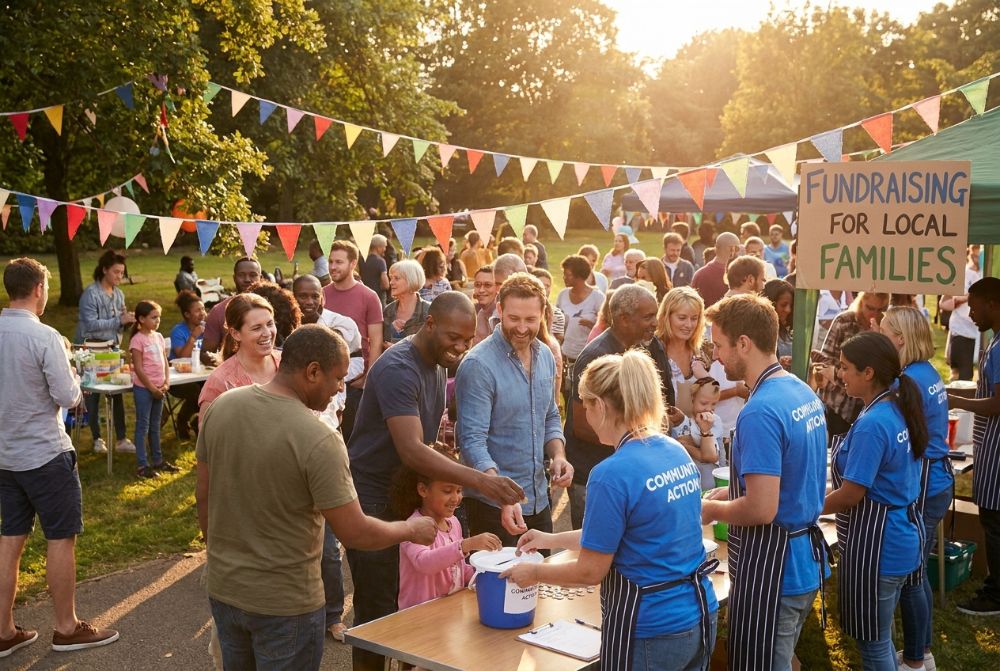
A card machine is great on the day: a coffee morning, a stall, a church door. The limit is that it only works when a volunteer is holding it. Nobody can give at ten o’clock at night after reading about you, and the machine does not know who gave, so Gift Aid is a separate piece of paper.
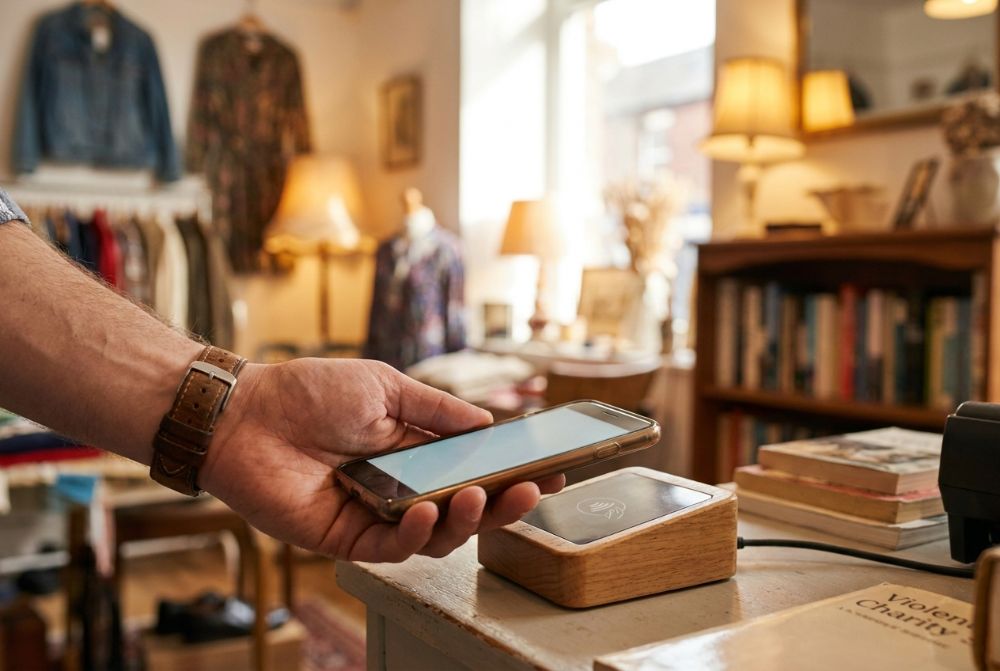
Card machines still have a place. Kayana Aid supports contactless devices and kiosks that report into the same dashboard, so the gifts you take in person sit next to the gifts you take online.
A spreadsheet and a bank account
Many small charities ask supporters to make a bank transfer and then record it in a spreadsheet. It costs nothing in fees, and that matters. The hidden cost is the chasing: matching references to names, writing thank-you emails by hand, and working out Gift Aid later from a list that is never quite complete.
What a donation page changes
A donation page is a single link. You share it on your website, in an email, on a poster with a QR code, or in a WhatsApp message. Supporters open it on their phone, choose an amount, pay by card or wallet, and get a receipt. You see the gift in your dashboard straight away.
Setting one up on Kayana Aid takes minutes. Register your charity, connect your bank through our payment partners, publish your page, and share the link. Most charities are collecting the same day.
What it costs, in plain words
There is no monthly fee. Each successful donation has a 10p authorisation fee plus a card-processing percentage that depends on the card. For a UK debit card that is 1.00%, so a £50 gift costs 60p and £49.40 reaches your cause. Other card types cost a little more; the full table is on our pricing page, so you can see every fee before you go live.
Gift Aid, ready for you to review
If your charity has Gift Aid switched on, supporters can add a Gift Aid declaration as they give, and it stays with the donation record. Kayana prepares your Gift Aid claim. You review it and submit it to HMRC from Reports → Gift Aid.
Link to your donation page
Once your page is live, link to it from your own website, your email signature and your social profiles. Supporters already trust those places, so a link from them is the shortest path from “I want to help” to “I have helped”. It also tells search engines that the page belongs to you, which helps people who search for your charity by name find the right place to give.
Your page follows the same pattern as every charity on Kayana Aid: https://kayanaaid.com/gb/donate/{slug}, where {slug} is the short name you chose for your campaign. Copy the full address from your dashboard and paste it wherever your supporters already are.
The simplest way for your charity to collect donations is the one your supporters can use in the moment they decide to give. A donation page puts that moment one tap away.